
Dynamik
StradaMax
Laut, sauber, im Ziel.
Ein Mastering-Limiter mit True-Peak-Ceiling und Look-ahead. Learn hört den lautesten Teil und stellt den Threshold für die gewünschte Lautheit ein.
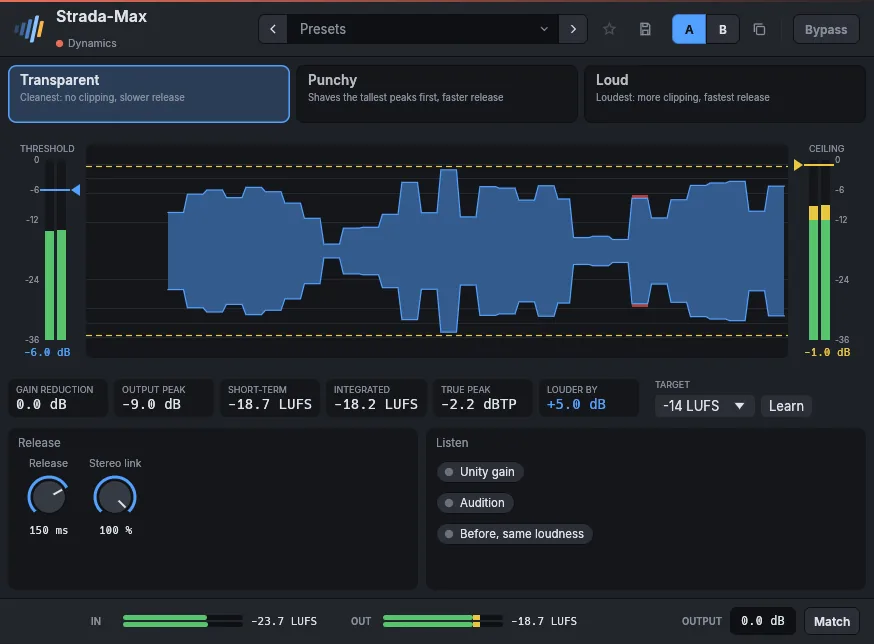
- LearnSpiel den Refrain, wähl ein Ziel wie -14 LUFS fürs Streaming, und der Threshold stellt sich darauf ein.
- True-Peak-CeilingKeine Übersteuerung nach der Wandlung, mit Look-ahead für transparentes Limiting.
- Limiting im BlickDeine Musik zieht zwischen Ein- und Ausgangsmeter vorbei, rot, wo Spitzen entfernt werden.
- Alle wichtigen ZahlenGain Reduction, Ausgangsspitze, Kurzzeit-Lautheit und wie viel lauter du bist.
Im Detail
- Formate
- CLAP · VST3 · AU
- Systeme
- Windows 10 und 11, macOS 11 und neuer (Apple silicon und Intel), Linux x86-64
- Im Rahmen
- Presets, A/B, Favoriten, klickfreier Bypass, LUFS-Meter, Ausgangspegel, Match.
- Oberfläche
- 75 % bis 200 %, Englisch und Französisch
- Lizenz
- Unbefristet, alle Formate und Rechner, Offline-Aktivierung
- Preis
- 49 €
Handbuch
Das Handbuch ist auf Englisch und Französisch verfasst.
Both look like a mastering maximizer: the input meter on the left with the threshold (drag it down to push the input harder), the output meter on the right with the ceiling, and between them the music scrolling by, red where the limiter takes peaks away. Below: gain reduction, output peak, short-term loudness, and how much louder the output is.
Learn listens while you play the loudest part and moves the threshold until the output reaches the chosen loudness (-14 LUFS for streaming, for instance). Strada-Max is the mastering limiter, with a true-peak ceiling and look-ahead; Strada-Limit is a brickwall peak limiter for tracks and buses. Before, same loudness plays the input without the limiter, raised to its output's loudness, to judge the limiting itself; it stops when the window closes.
Parameters
| Parameter | Range | Default |
|---|---|---|
| Gain | 0 – 24 dB | 4 dB |
| Ceiling | -12 – 0 dB | -1 dB |
| Release | 1 – 1000 ms | 120 ms |
| Style | Transparent, Punchy, Loud | Transparent |
| Stereo link | 0 – 100 % | 100 % |
| Unity gain | on / off | off |
| Audition | on / off | off |
| Before, same loudness | on / off | off |
Factory presets
Master Acoustic, gentle · Transparent -1 dBTP · Streaming -1 dBTP · Broadcast -2 dBTP · CD -0.3 dBTP
Loud Punchy pop · Dense rock · EDM maximum
Bus Drums, peak control · Instruments, firm · Vocals, upfront
Auch in diesen Paketen
Passt gut zu
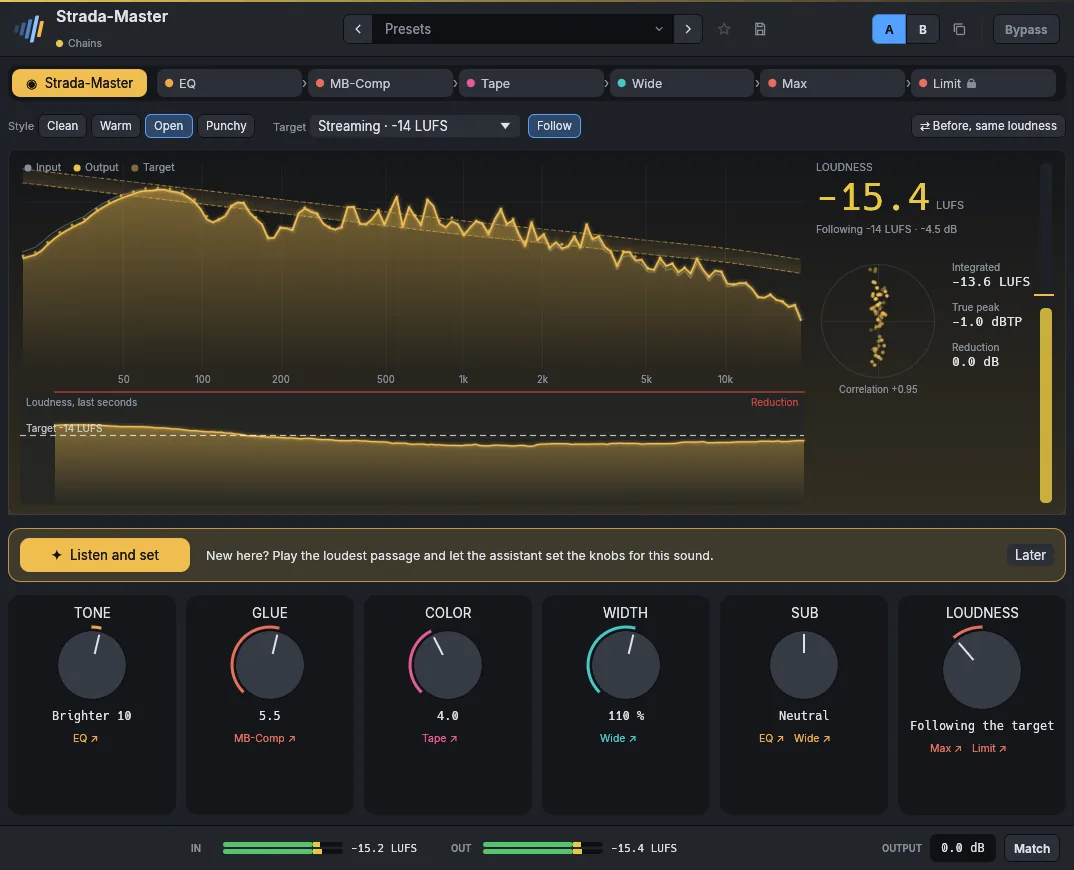 Strada-Master49 €Ein fertiges Master mit sechs Reglern.
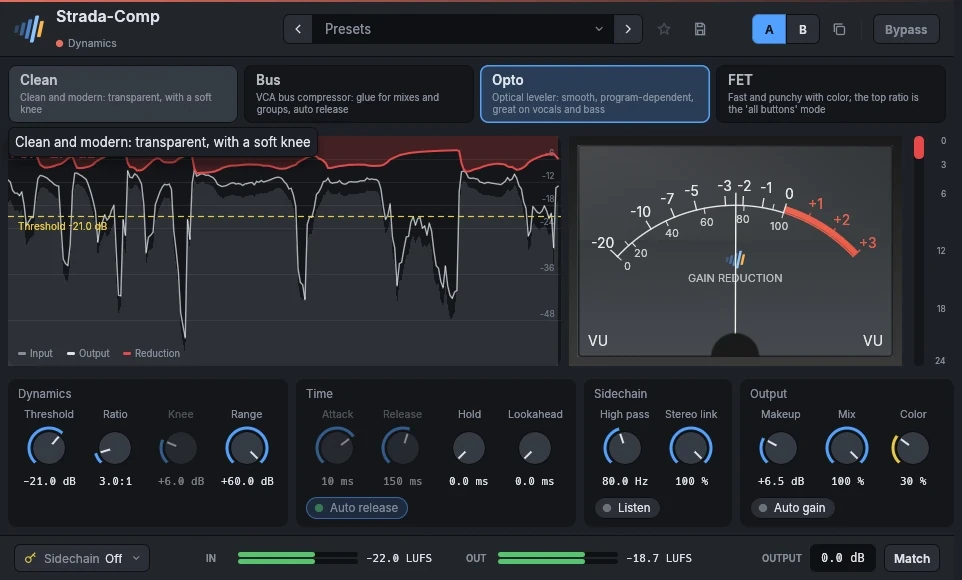 Strada-Comp29 €Vier Kompressoren in einem.
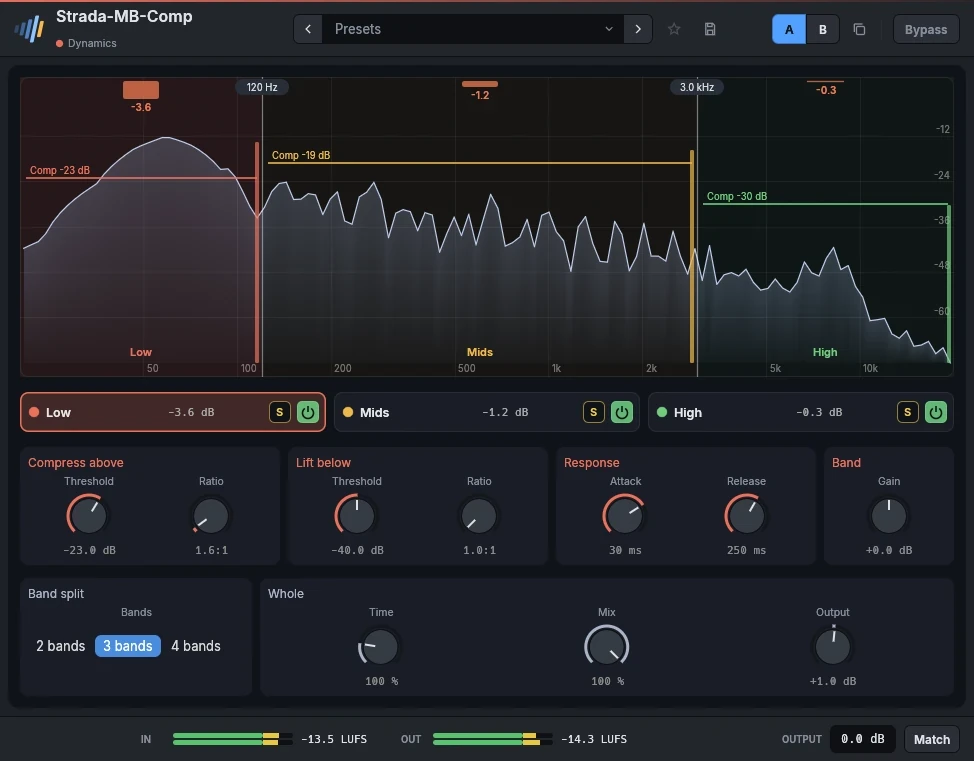 Strada-MB-Comp49 €Vier Bänder, von oben und von unten.
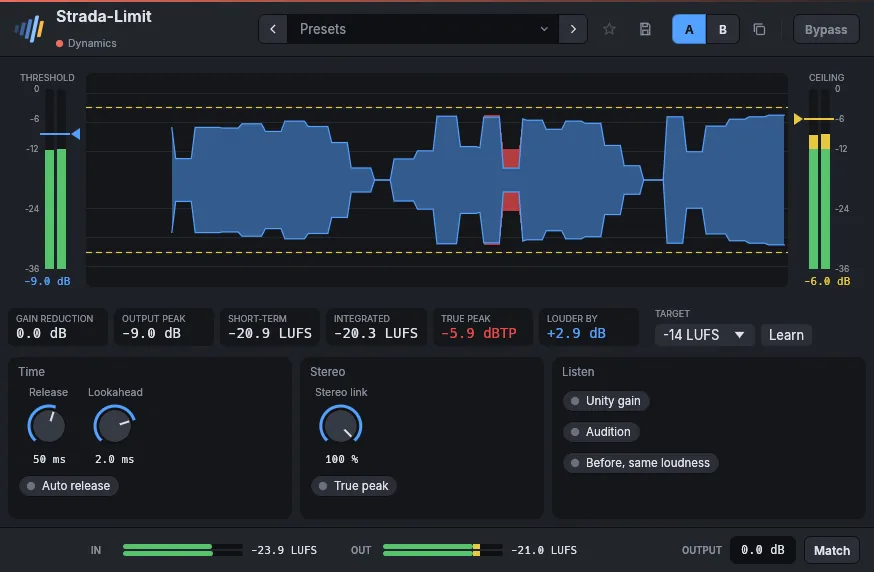 Strada-Limit29 €Eine Mauer für Spuren und Busse.
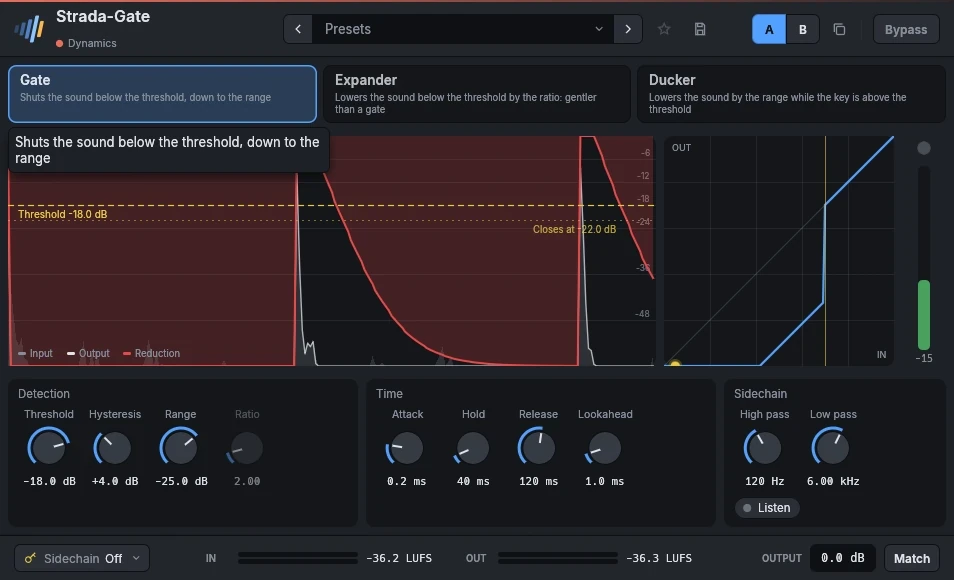 Strada-Gate19 €Gate, Expander und Ducker.
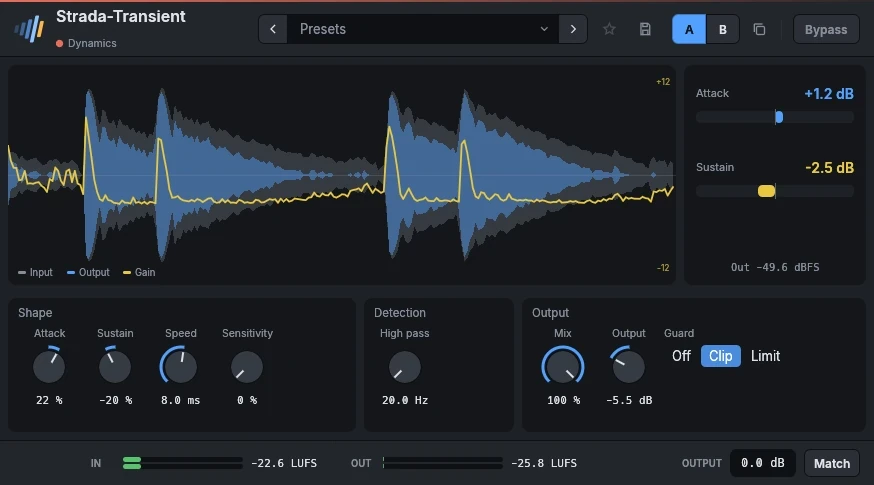 Strada-Transient29 €Mehr Punch, oder weniger, mit zwei Reglern.
Hör sie in deinen eigenen Mixen.
Lade die Plugins, öffne deine letzte Session und nutze sie 15 Tage lang. Keine Anmeldung.