
EQ und Filter
StradaEQ
Der Equalizer, der dir zeigt, wo du schneiden musst.
Bis zu 16 Bänder über dem Live-Spektrum, dynamische Bänder, Mid- und Side-Bearbeitung und ein Solo, um eine Resonanz in Sekunden zu finden.
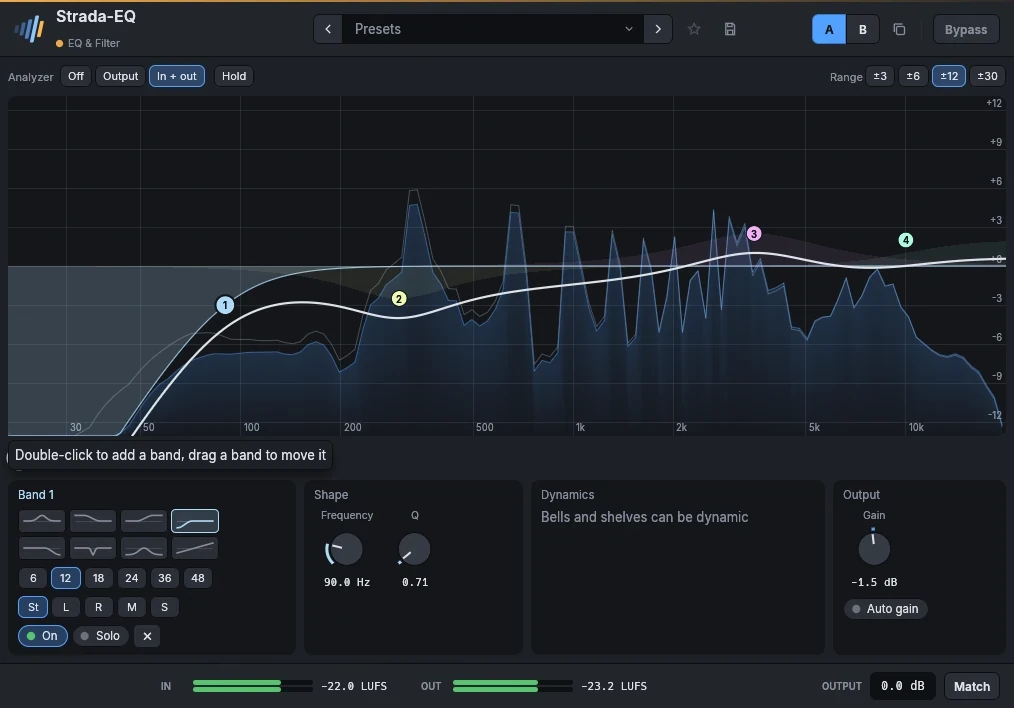
- 16 Bänder auf der KurveDoppelklick fügt ein Band hinzu, Ziehen verschiebt es, das Mausrad ändert die Breite. Glocke, Shelves, Low- und High-Cut von 6 bis 48 dB pro Oktave, Notch, Bandpass und Tilt.
- Dynamische BänderEin Band kann eine Resonanz nur absenken, wenn sie klingt, oder den Knall einer Snare nur auf ihren Schlägen anheben.
- Stereo, Mid und SideJedes Band wirkt auf beide Kanäle, links, rechts, Mitte oder Seiten.
- Analyzer davor und danachDas Spektrum von Ein- und Ausgang unter der Kurve, mit Hold, und ein Solo, das nur spielt, was ein Band berührt.
Im Detail
- Formate
- CLAP · VST3 · AU
- Systeme
- Windows 10 und 11, macOS 11 und neuer (Apple silicon und Intel), Linux x86-64
- Im Rahmen
- Presets, A/B, Favoriten, klickfreier Bypass, LUFS-Meter, Ausgangspegel, Match.
- Oberfläche
- 75 % bis 200 %, Englisch und Französisch
- Lizenz
- Unbefristet, alle Formate und Rechner, Offline-Aktivierung
- Preis
- 49 €
Handbuch
Das Handbuch ist auf Englisch und Französisch verfasst.
Up to 16 bands on the curve. Double-click the curve to add a band (a cut near the ends, a bell elsewhere), drag a band to move it, Ctrl-drag it (up narrower, down wider) or use the wheel over it to set its Q, double-click it to remove it.
Right-click a band for its shape, drawn (bell, low and high shelf, low and high cut, notch, band pass, tilt), the slope of a cut (6 to 48 dB per octave), its placement (both channels, left, right, mid or sides), Dynamic, Solo and Bypass, Gain to 0 dB and Flip the gain. Under the curve, the selected band has the same drawn shapes, its slope and placement, then its frequency, gain and Q.
- A dynamic band listens to its own frequencies at the input (a bell around its frequency, a low shelf below it, a high shelf above it) and moves its gain while they are above the Threshold: by as many dB as they pass it, up to the Range, at the speed set by Attack and Release. A negative range cuts when loud (a resonance that only rings now and then, sibilance, a boomy note); a positive range boosts when loud (the crack of a snare on its hits only). To boost while quiet, give the band a gain and a negative range of the same size: it boosts at rest and comes back to flat when its frequencies get loud. The panel says what the band does and the gain it has now; on the curve, its range shows as a line under the band, the gain it has now as a ring.
- Solo plays only the frequencies the band works on, to find what to cut; it stops when the window closes.
Parameters
| Parameter | Range | Default |
|---|---|---|
| Band n in use | on / off | off |
| Band n bypass | on / off | off |
| Band n type | Bell, Low shelf, High shelf, Low cut, High cut, Notch, Band pass, Tilt shelf | Bell |
| Band n frequency | 20 – 20000 Hz | 1000 Hz |
| Band n gain | -30 – 30 dB | 0 dB |
| Band n Q | 0.1 – 30 | 1 |
| Band n slope | 6 dB/oct, 12 dB/oct, 18 dB/oct, 24 dB/oct, 36 dB/oct, 48 dB/oct | 12 dB/oct |
| Band n dynamic | on / off | off |
| Band n threshold | -60 – 0 dB | -24 dB |
| Band n range | -30 – 30 dB | -6 dB |
| Output | -30 – 30 dB | 0 dB |
| Solo band | 0 – 16 | 0 |
| Band n placement | Stereo, Left, Right, Mid, Side | Stereo |
| Band n attack | 0.1 – 200 ms | 5 ms |
| Band n release | 5 – 2000 ms | 120 ms |
| Auto gain | on / off | off |
Factory presets
Vocal Presence · Air 12 kHz · Less mud · Soften harsh notes · Backing, sit behind · Voice-over, podcast
Drums Kick punch · Kick deep sub · Snare crack · Toms, full and clear · Overheads, cymbal air · Bus, weight and air
Bass Definition · Sub weight · Heard on small speakers
Guitar Fit in the mix · Tame the fizz · Acoustic, sparkle · Acoustic, less boom
Keys Piano, clarity · Synth, make room for the vocal · Pad, soft and dark
Master Gentle smile · Tilt brighter · Tilt warmer · Clear the low mids · Mono lows below 120 Hz · Wider air
Fix Low cut 100 Hz · Rumble below 30 Hz · Mains hum 50 Hz · Mains hum 60 Hz · Harsh 3 kHz, only when loud
FX Telephone · Old radio · Next room
Auch in diesen Paketen
Passt gut zu
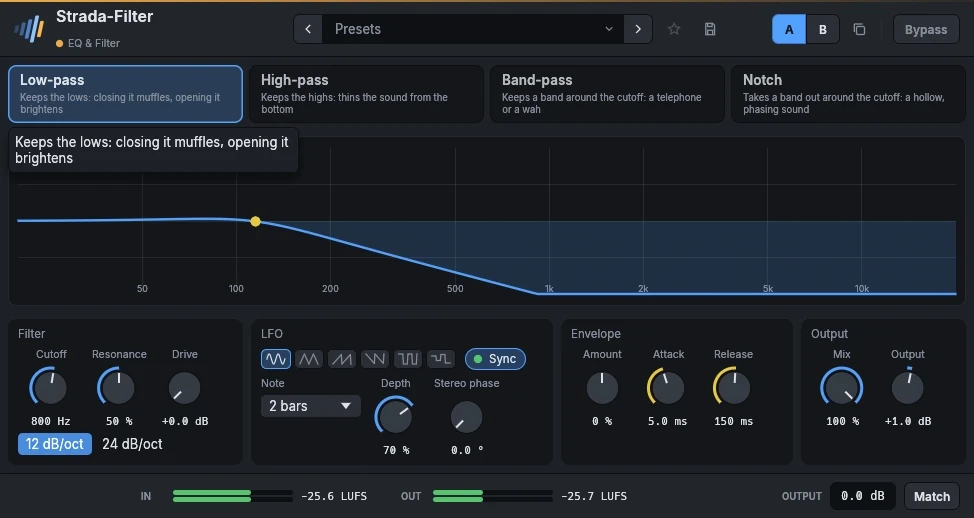 Strada-Filter19 €Sweeps, die sich mit dem Song bewegen.
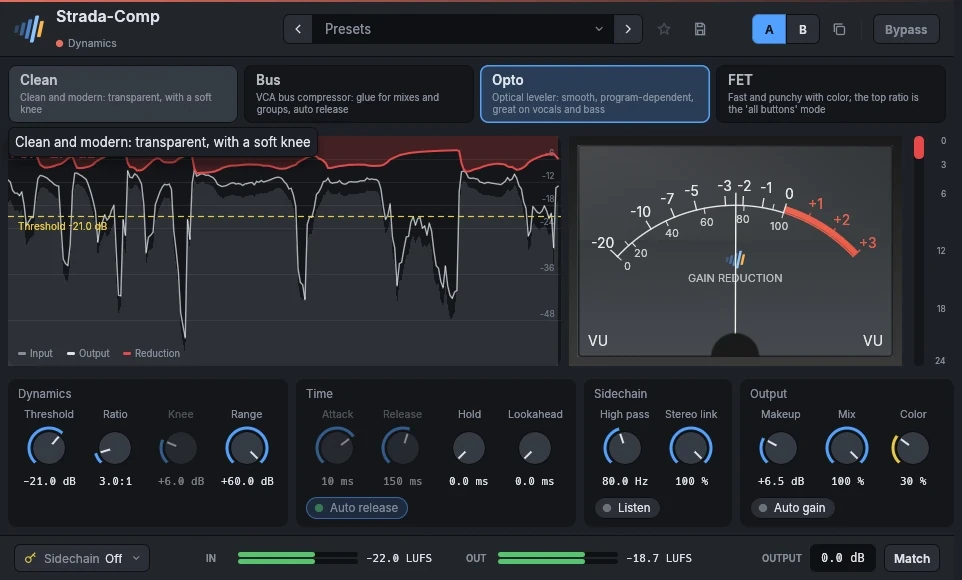 Strada-Comp29 €Vier Kompressoren in einem.
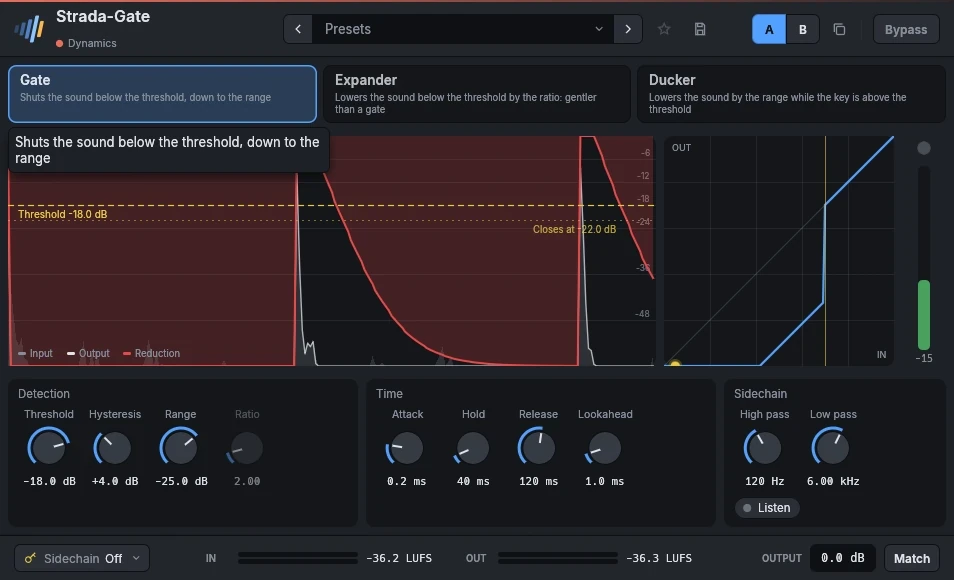 Strada-Gate19 €Gate, Expander und Ducker.
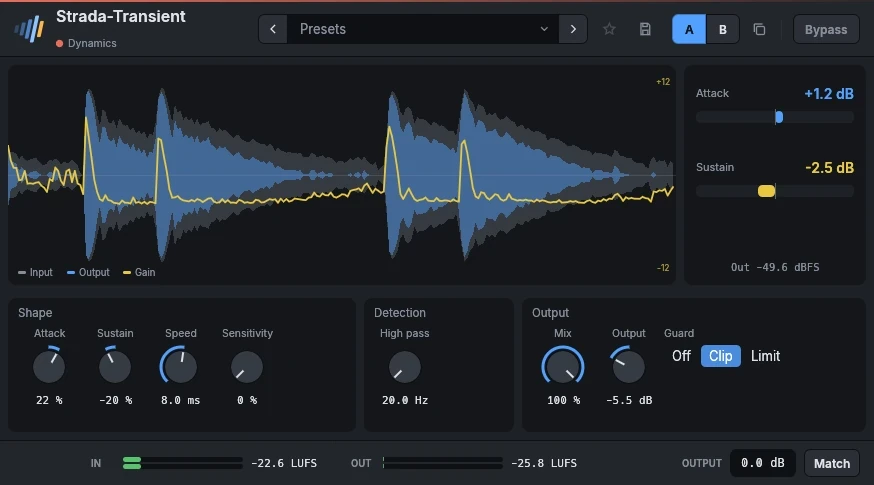 Strada-Transient29 €Mehr Punch, oder weniger, mit zwei Reglern.
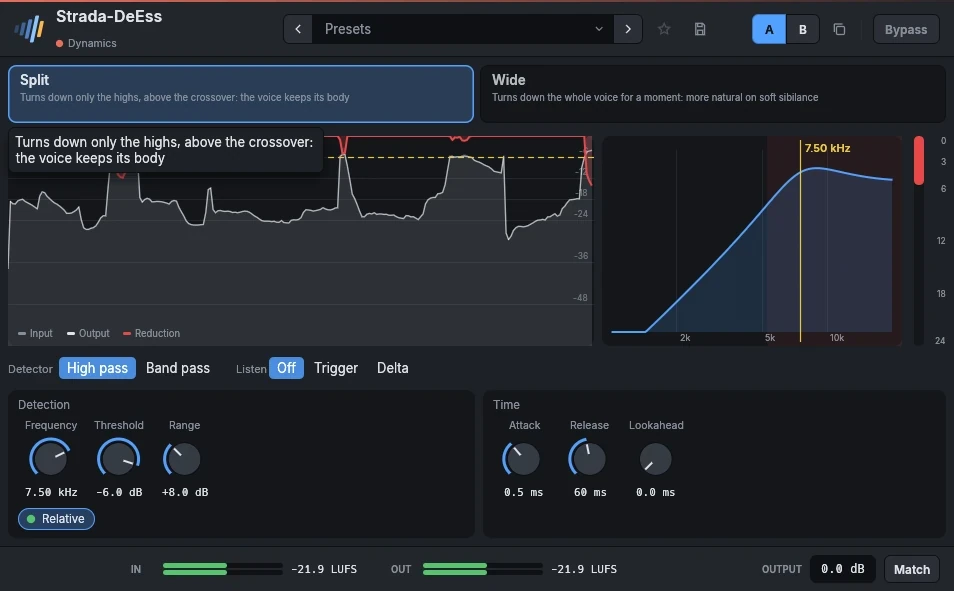 Strada-DeEss29 €Glättet S- und T-Laute, behält die Stimme.
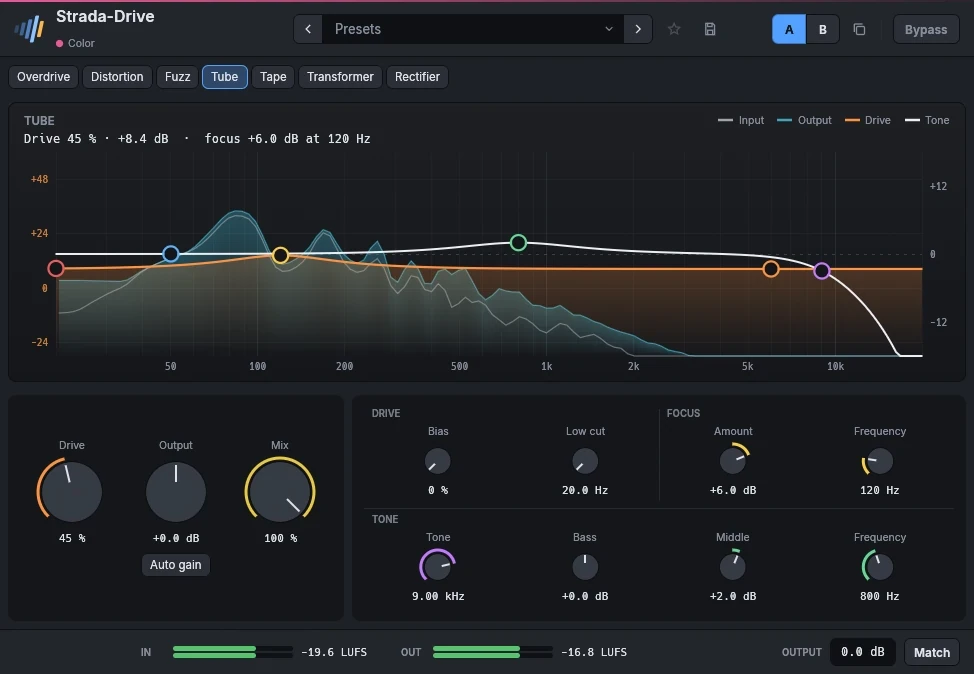 Strada-Drive29 €Sättigung, vom Hauch bis zum Fuzz.
Hör sie in deinen eigenen Mixen.
Lade die Plugins, öffne deine letzte Session und nutze sie 15 Tage lang. Keine Anmeldung.