
Utilidades
StradaCorrect
Corrección de afinación, natural o robótica.
Elige la tonalidad y la escala, luego la velocidad: de una corrección que nadie oye al efecto duro.
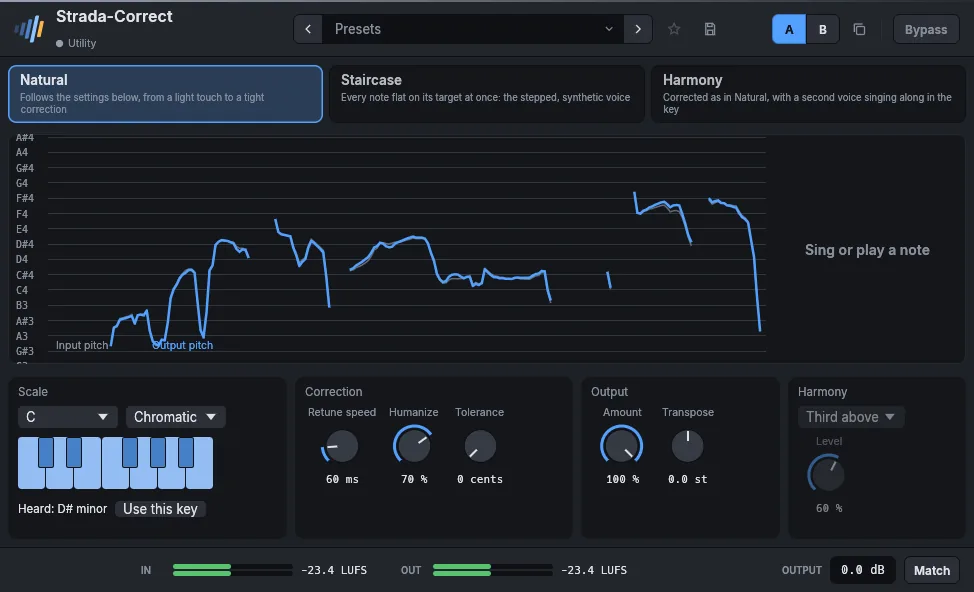
- Tonalidad y escalaO las notas que elijas.
- Velocidad de corrección0 ms para el efecto duro, más lenta para una voz natural.
- HumanizeDeja algo de vida a las notas largas.
- En directoFunciona mientras tocas, sin pasada de análisis.
En detalle
- Formatos
- CLAP · VST3 · AU
- Sistemas
- Windows 10 y 11, macOS 11 o posterior (Apple silicon e Intel), Linux x86-64
- En el marco
- Presets, A/B, favoritos, bypass sin clic, medidores LUFS, ganancia de salida, Match.
- Interfaz
- Del 75 % al 200 %, inglés y francés
- Licencia
- Perpetua, todos los formatos y ordenadores, activación sin conexión
- Precio
- 49 €
Manual
El manual está escrito en inglés y en francés.
Automatic pitch correction for the voice, from a light touch to the stepped, synthetic voice. The display scrolls the pitch sung (grey) and the corrected one (blue) over the notes of the scale; at its right, the note sung and how far off it is, the note aimed at, and a bar showing by how many cents the voice is being moved.
- Natural follows the settings: Retune speed is the time the voice takes to reach its note (0 ms is immediate, 20 to 60 ms sounds like a singer in tune), Humanize corrects the center of a held note and leaves its vibrato, Tolerance leaves alone a note already that close, Amount corrects only a part of the way.
- Staircase puts every note flat on its target at once, whatever those settings: the voice moves in steps, vibrato and slides gone, as on the first automatically corrected records. Choose a scale with few notes for wider steps.
- Harmony corrects the voice as Natural does and adds a second voice singing along in the key: a third, fifth, sixth or octave above, a third, fourth or octave below, counted in the notes of the scale (of the major scale of the key when the scale is chromatic). Level sets the second voice against the first; the pair keeps the loudness of one voice.
Choose the key and the scale (or click notes on the keyboard for a Custom one). While the voice plays, the effect listens for the key of what is sung and shows it under the keyboard (Heard: A minor); Use this key sets the key and the scale to it. Transpose moves the whole voice by semitones, formants kept.
Parameters
| Parameter | Range | Default |
|---|---|---|
| Key | C, C#, D, D#, E, F, F#, G, G#, A, A#, B | C |
| Scale | Chromatic, Major, Minor, Harmonic minor, Dorian, Pentatonic major, Pentatonic minor, Blues, Custom | Chromatic |
| Retune speed | 0 – 400 ms | 25 ms |
| Humanize | 0 – 100 % | 0 % |
| Amount | 0 – 100 % | 100 % |
| Transpose | -12 – 12 st | 0 st |
| Custom notes | 0 – 4095 | 4095 |
| Tolerance | 0 – 50 cents | 0 cents |
| Mode | Natural, Staircase, Harmony | Natural |
| Harmony | Third above, Fifth above, Sixth above, Octave above, Third below, Fourth below, Octave below | Third above |
| Harmony level | 0 – 100 % | 60 % |
Factory presets
Vocal Hard tune · Pop, tight · Natural, keeps the vibrato · Ballad, long notes only · Light touch · Backing, locked
Staircase Every semitone · Major scale · Minor pentatonic · Low and synthetic
Harmony Third above · Fifth above, discreet · Octave below, doubled
FX Octave down · Octave up · A fifth above, tight
También en estos packs
Combina bien con
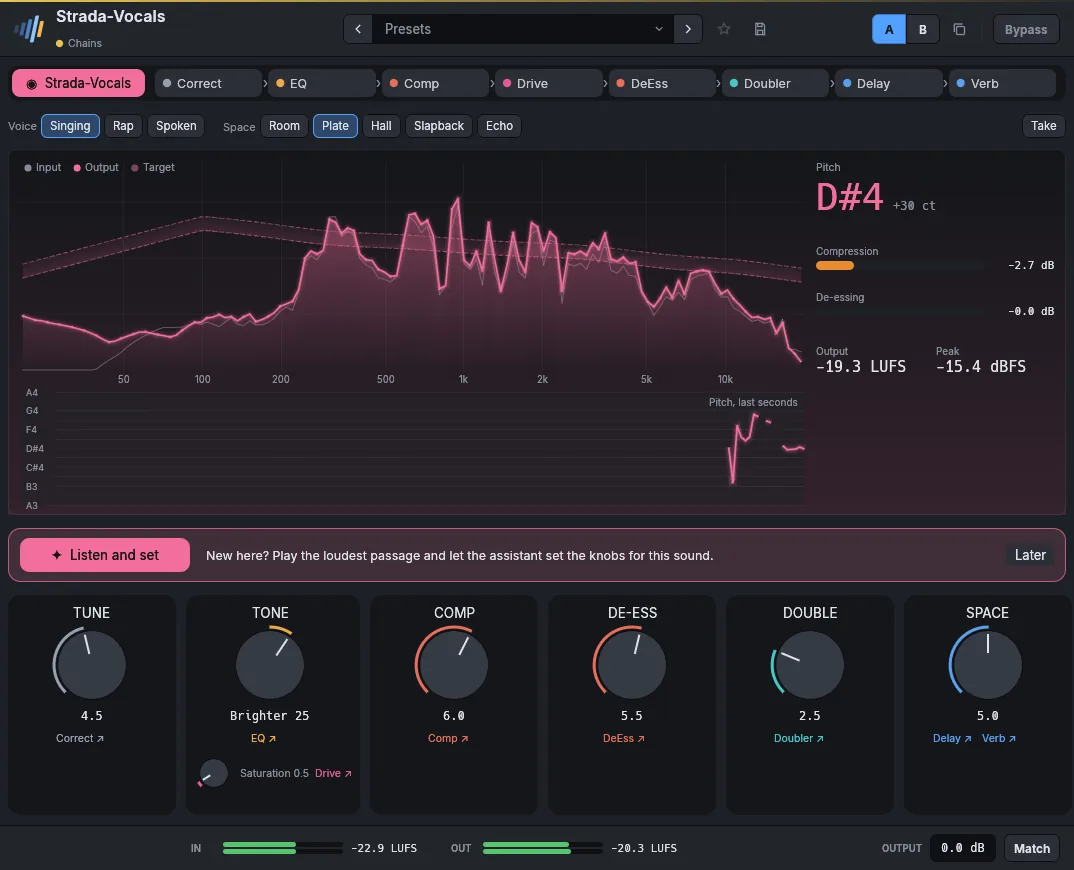 Strada-Vocals49 €Una voz lista en seis perillas.
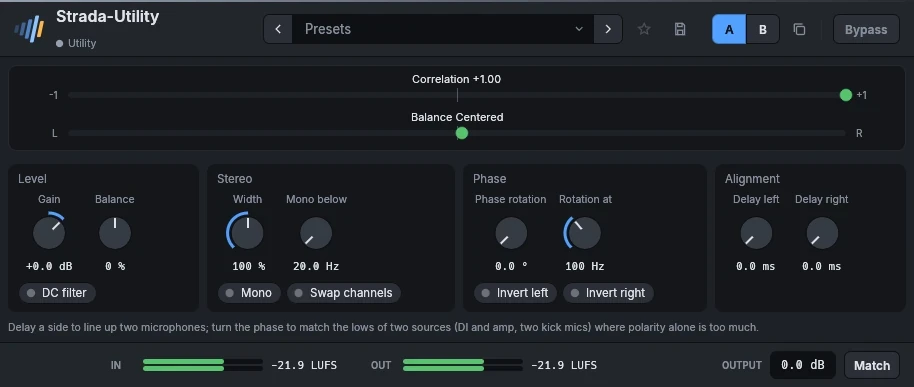 Strada-UtilityGratisLa caja de herramientas gratuita de toda mezcla.
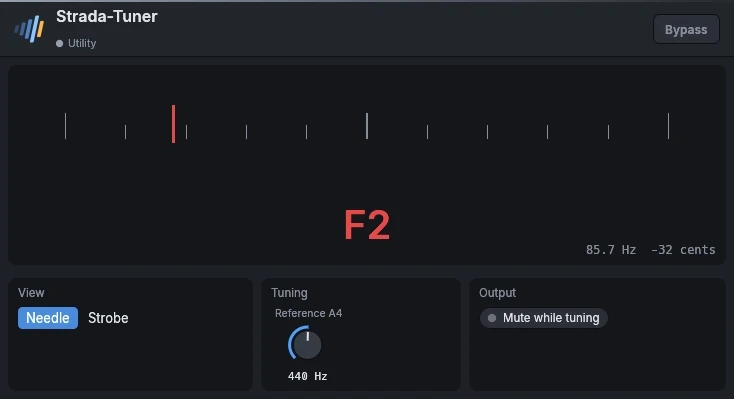 Strada-TunerGratisUn afinador gratuito para guitarra, bajo y voz.
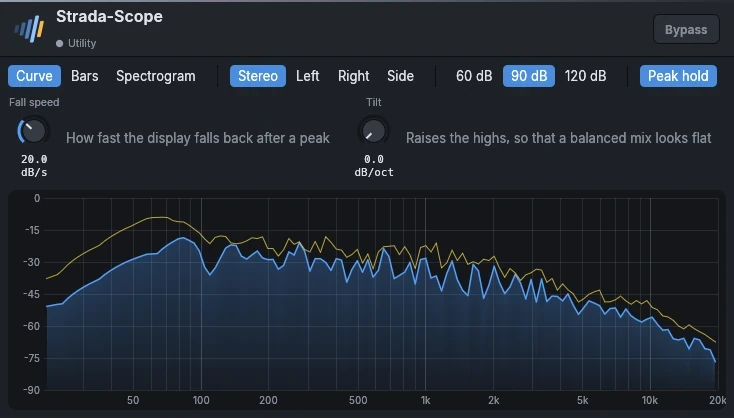 Strada-ScopeGratisUn analizador de espectro gratuito.
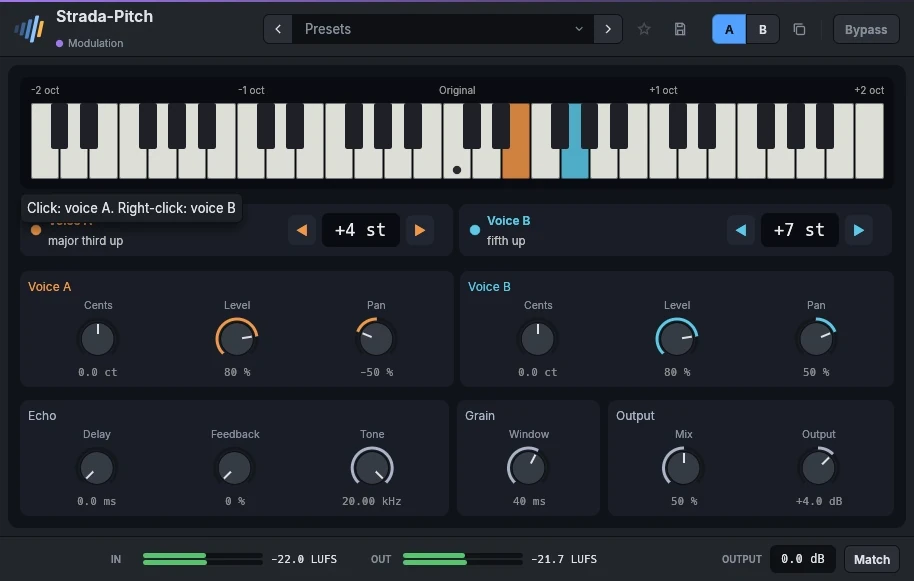 Strada-Pitch29 €Armonías, octavas y brillo.
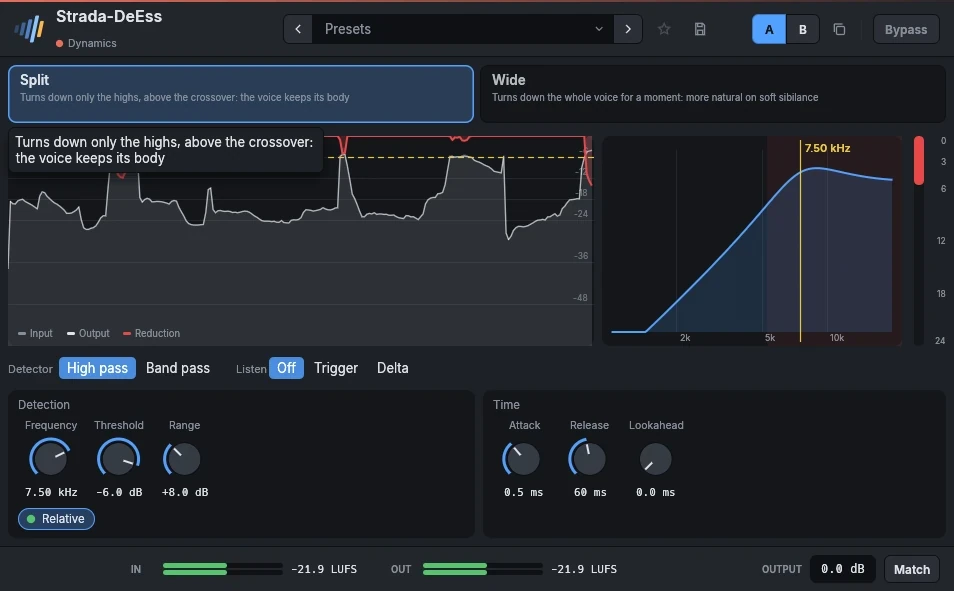 Strada-DeEss29 €Suaviza las S y las T, conserva la voz.
Escúchalos en tus propias mezclas.
Descarga los plugins, abre tu última sesión y úsalos durante 15 días. Sin registro.