
EQ y filtro
StradaEQ
El ecualizador que te muestra dónde cortar.
Hasta 16 bandas dibujadas sobre el espectro en directo, bandas dinámicas, colocación mid y side, y un solo para encontrar una resonancia en segundos.
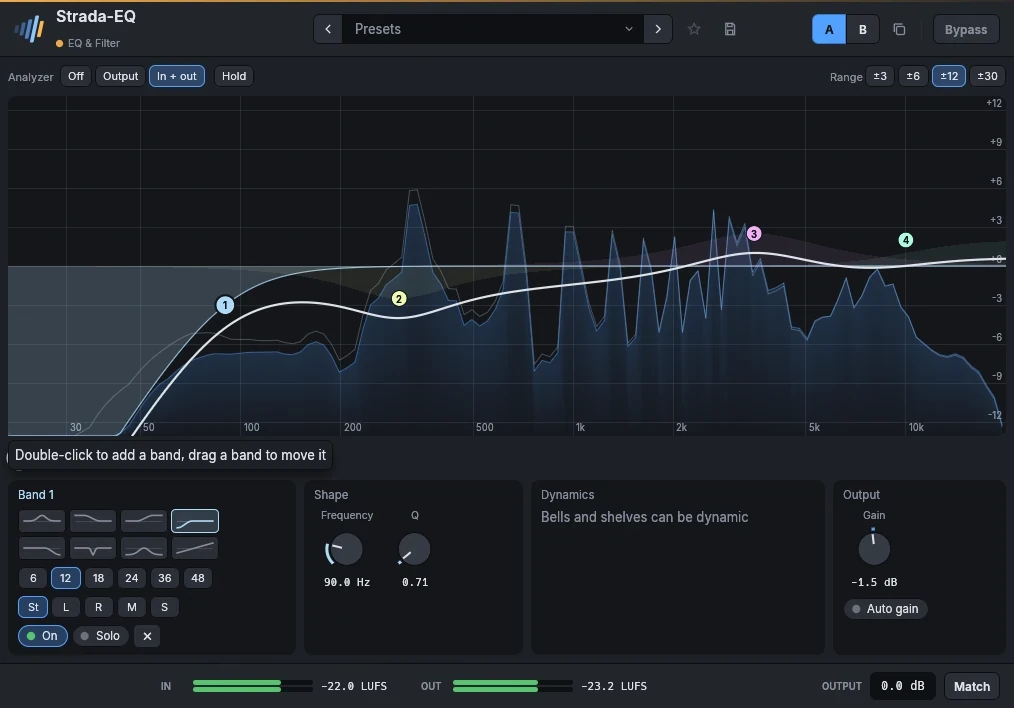
- 16 bandas en la curvaDoble clic para añadir una banda, arrastra para moverla, la rueda para su anchura. Campana, shelves, cortes de 6 a 48 dB por octava, notch, pasabanda y tilt.
- Bandas dinámicasUna banda puede cortar una resonancia solo cuando suena, o realzar el golpe de una caja solo en sus golpes.
- Estéreo, mid y sideCada banda actúa en ambos canales, el izquierdo, el derecho, el mid o los laterales.
- Analizador antes y despuésEl espectro de entrada y salida bajo la curva, con retención, y un solo que reproduce solo lo que toca una banda.
En detalle
- Formatos
- CLAP · VST3 · AU
- Sistemas
- Windows 10 y 11, macOS 11 o posterior (Apple silicon e Intel), Linux x86-64
- En el marco
- Presets, A/B, favoritos, bypass sin clic, medidores LUFS, ganancia de salida, Match.
- Interfaz
- Del 75 % al 200 %, inglés y francés
- Licencia
- Perpetua, todos los formatos y ordenadores, activación sin conexión
- Precio
- 49 €
Manual
El manual está escrito en inglés y en francés.
Up to 16 bands on the curve. Double-click the curve to add a band (a cut near the ends, a bell elsewhere), drag a band to move it, Ctrl-drag it (up narrower, down wider) or use the wheel over it to set its Q, double-click it to remove it.
Right-click a band for its shape, drawn (bell, low and high shelf, low and high cut, notch, band pass, tilt), the slope of a cut (6 to 48 dB per octave), its placement (both channels, left, right, mid or sides), Dynamic, Solo and Bypass, Gain to 0 dB and Flip the gain. Under the curve, the selected band has the same drawn shapes, its slope and placement, then its frequency, gain and Q.
- A dynamic band listens to its own frequencies at the input (a bell around its frequency, a low shelf below it, a high shelf above it) and moves its gain while they are above the Threshold: by as many dB as they pass it, up to the Range, at the speed set by Attack and Release. A negative range cuts when loud (a resonance that only rings now and then, sibilance, a boomy note); a positive range boosts when loud (the crack of a snare on its hits only). To boost while quiet, give the band a gain and a negative range of the same size: it boosts at rest and comes back to flat when its frequencies get loud. The panel says what the band does and the gain it has now; on the curve, its range shows as a line under the band, the gain it has now as a ring.
- Solo plays only the frequencies the band works on, to find what to cut; it stops when the window closes.
Parameters
| Parameter | Range | Default |
|---|---|---|
| Band n in use | on / off | off |
| Band n bypass | on / off | off |
| Band n type | Bell, Low shelf, High shelf, Low cut, High cut, Notch, Band pass, Tilt shelf | Bell |
| Band n frequency | 20 – 20000 Hz | 1000 Hz |
| Band n gain | -30 – 30 dB | 0 dB |
| Band n Q | 0.1 – 30 | 1 |
| Band n slope | 6 dB/oct, 12 dB/oct, 18 dB/oct, 24 dB/oct, 36 dB/oct, 48 dB/oct | 12 dB/oct |
| Band n dynamic | on / off | off |
| Band n threshold | -60 – 0 dB | -24 dB |
| Band n range | -30 – 30 dB | -6 dB |
| Output | -30 – 30 dB | 0 dB |
| Solo band | 0 – 16 | 0 |
| Band n placement | Stereo, Left, Right, Mid, Side | Stereo |
| Band n attack | 0.1 – 200 ms | 5 ms |
| Band n release | 5 – 2000 ms | 120 ms |
| Auto gain | on / off | off |
Factory presets
Vocal Presence · Air 12 kHz · Less mud · Soften harsh notes · Backing, sit behind · Voice-over, podcast
Drums Kick punch · Kick deep sub · Snare crack · Toms, full and clear · Overheads, cymbal air · Bus, weight and air
Bass Definition · Sub weight · Heard on small speakers
Guitar Fit in the mix · Tame the fizz · Acoustic, sparkle · Acoustic, less boom
Keys Piano, clarity · Synth, make room for the vocal · Pad, soft and dark
Master Gentle smile · Tilt brighter · Tilt warmer · Clear the low mids · Mono lows below 120 Hz · Wider air
Fix Low cut 100 Hz · Rumble below 30 Hz · Mains hum 50 Hz · Mains hum 60 Hz · Harsh 3 kHz, only when loud
FX Telephone · Old radio · Next room
También en estos packs
Combina bien con
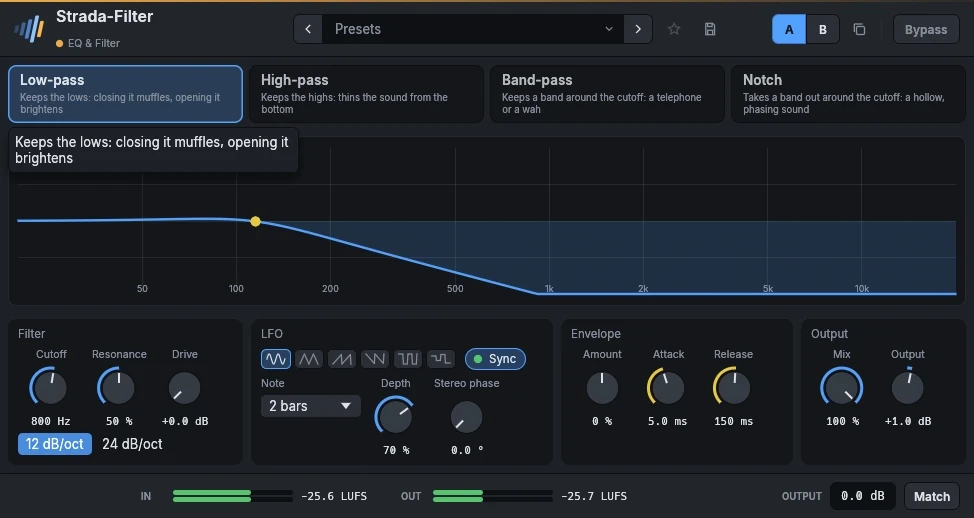 Strada-Filter19 €Barridos que se mueven con la canción.
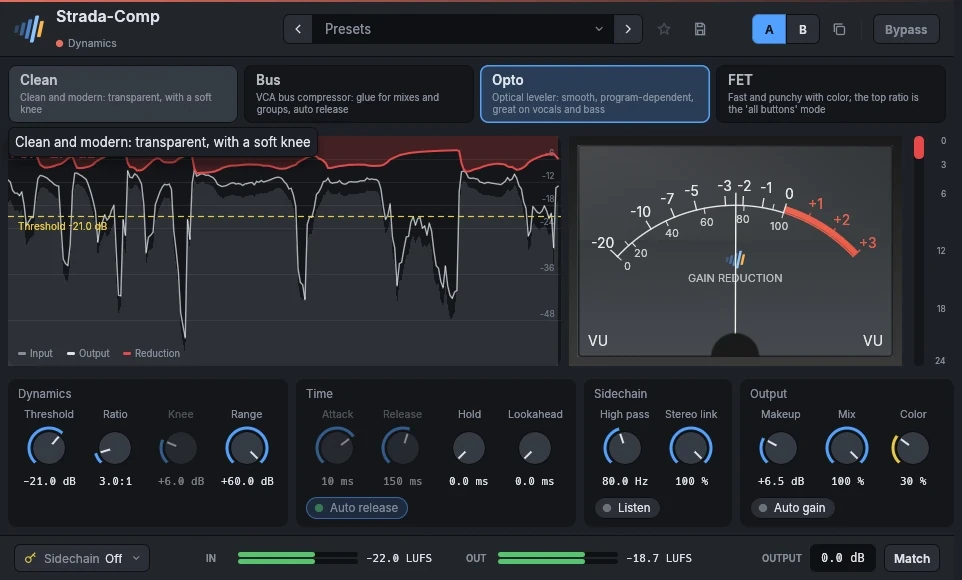 Strada-Comp29 €Cuatro compresores en uno.
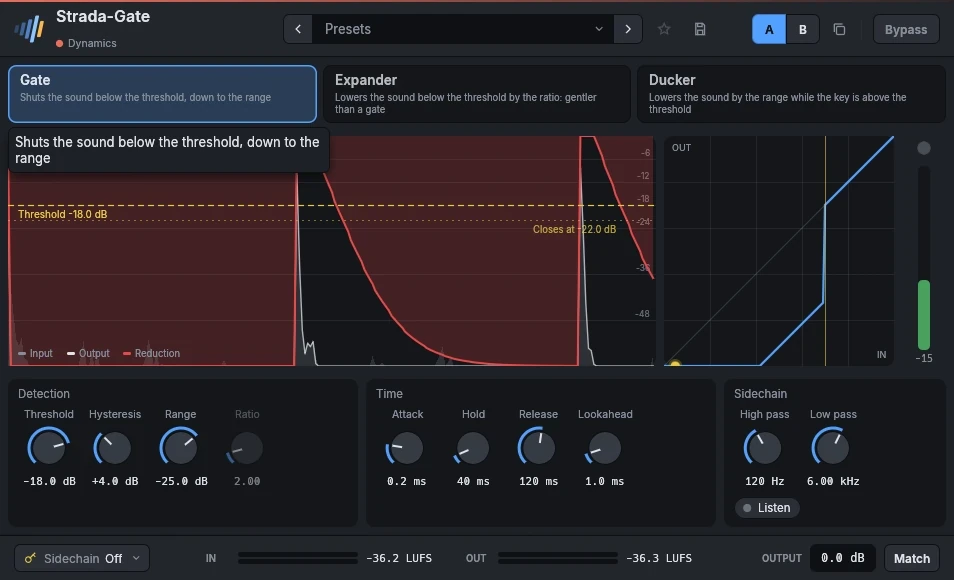 Strada-Gate19 €Puerta, expansor y ducker.
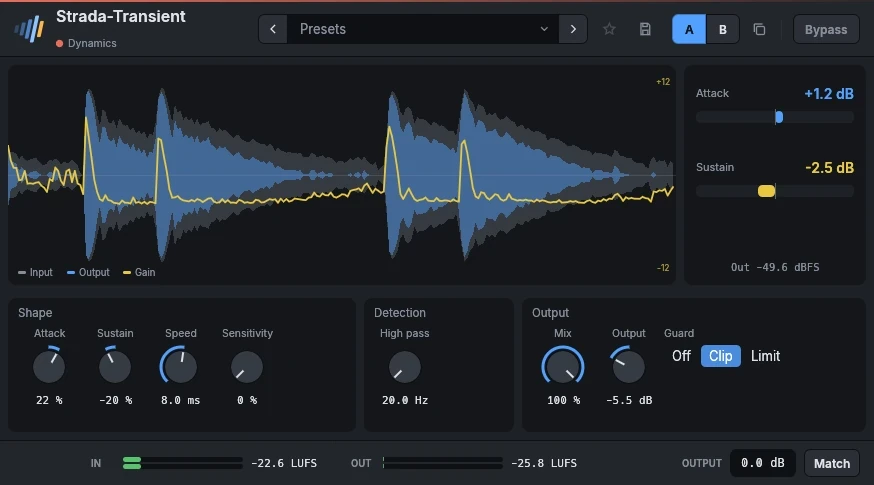 Strada-Transient29 €Más pegada, o menos, con dos controles.
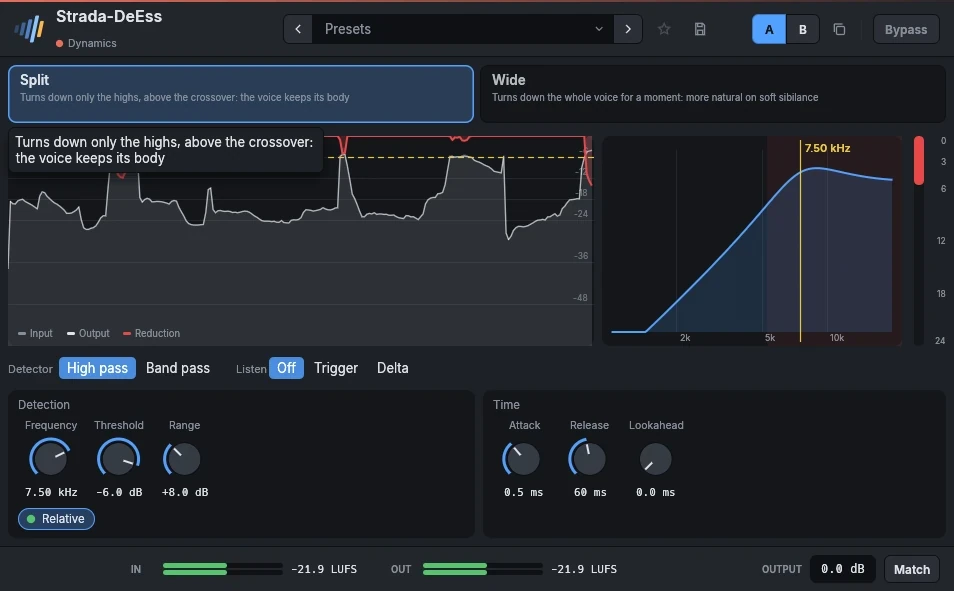 Strada-DeEss29 €Suaviza las S y las T, conserva la voz.
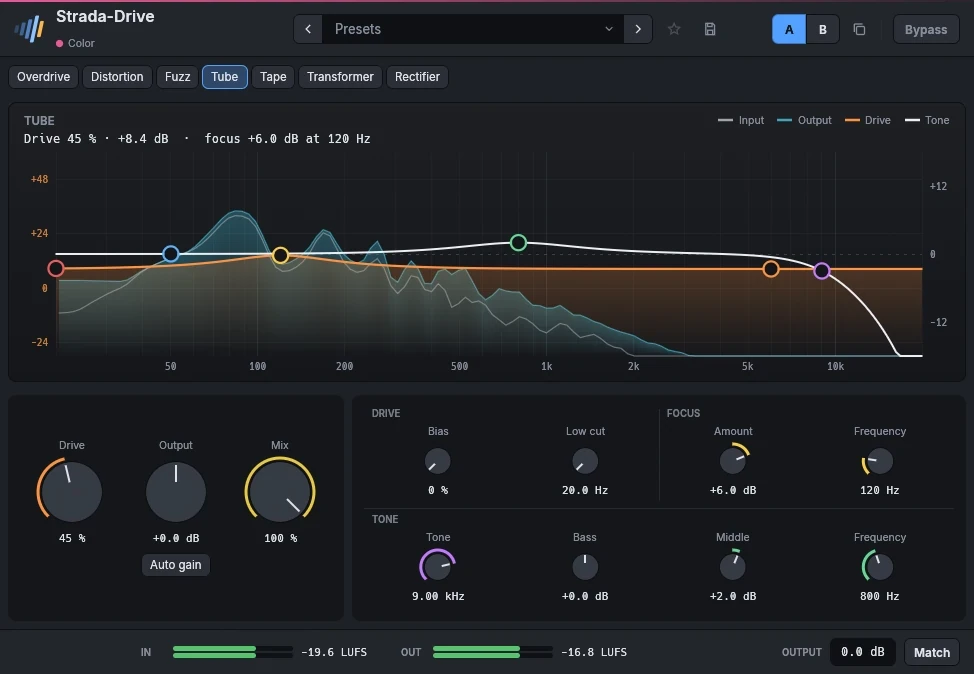 Strada-Drive29 €Saturación, de un toque al fuzz.
Escúchalos en tus propias mezclas.
Descarga los plugins, abre tu última sesión y úsalos durante 15 días. Sin registro.