
Dynamics
StradaLimit
A brickwall for tracks and buses.
A peak limiter that holds the line on drums, buses and anything that must never clip, with the same clear display as Strada-Max.
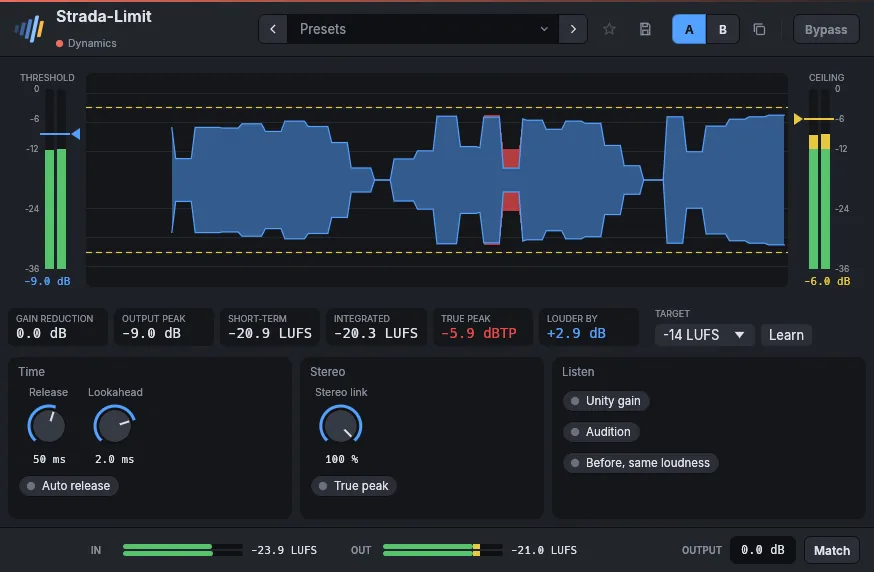
- BrickwallNothing goes past the ceiling.
- Drag to pushLower the threshold on the input meter to drive the limiter harder.
- LearnSets the threshold for the loudness you want.
- ReadableGain reduction drawn over the music, peak and loudness under it.
In detail
- Formats
- CLAP · VST3 · AU
- Systems
- Windows 10 and 11, macOS 11 and later (Apple silicon and Intel), Linux x86-64
- In the frame
- Presets, A/B, favorites, bypass without click, LUFS meters, output gain, Match.
- Interface
- 75 % to 200 %, English and French
- License
- Perpetual, every format and computer, offline activation
- Price
- 29 €
Manual
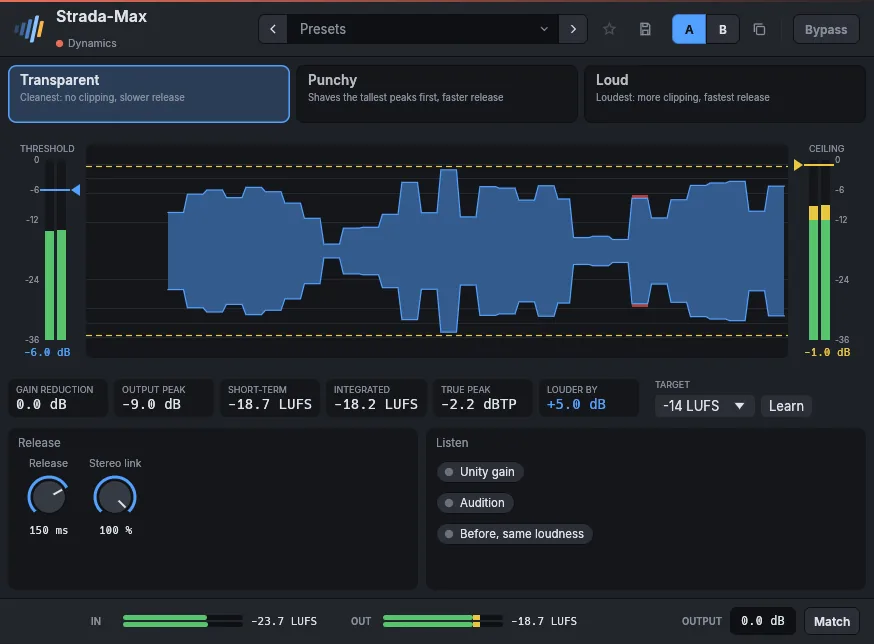
Both look like a mastering maximizer: the input meter on the left with the threshold (drag it down to push the input harder), the output meter on the right with the ceiling, and between them the music scrolling by, red where the limiter takes peaks away. Below: gain reduction, output peak, short-term loudness, and how much louder the output is.
Learn listens while you play the loudest part and moves the threshold until the output reaches the chosen loudness (-14 LUFS for streaming, for instance). Strada-Max is the mastering limiter, with a true-peak ceiling and look-ahead; Strada-Limit is a brickwall peak limiter for tracks and buses. Before, same loudness plays the input without the limiter, raised to its output's loudness, to judge the limiting itself; it stops when the window closes.
Parameters
| Parameter | Range | Default |
|---|---|---|
| Input gain | 0 – 24 dB | 0 dB |
| Ceiling | -12 – 0 dB | -0.3 dB |
| Release | 1 – 1000 ms | 60 ms |
| Lookahead | 0.1 – 5 ms | 2 ms |
| Auto release | on / off | off |
| Stereo link | 0 – 100 % | 100 % |
| True peak | on / off | off |
| Unity gain | on / off | off |
| Audition | on / off | off |
| Before, same loudness | on / off | off |
Factory presets
Master Safety -1 dBTP · Streaming -1 dBTP · Broadcast -2 dBTP · Loud -0.3 dB · Wide, unlinked
Track Vocal, peak catcher · Bass, even level · Acoustic guitar, strum peaks
Drums Bus, peak shave · Kick, clipper-style · Snare, shaved crack
Also in these packs
Goes well with
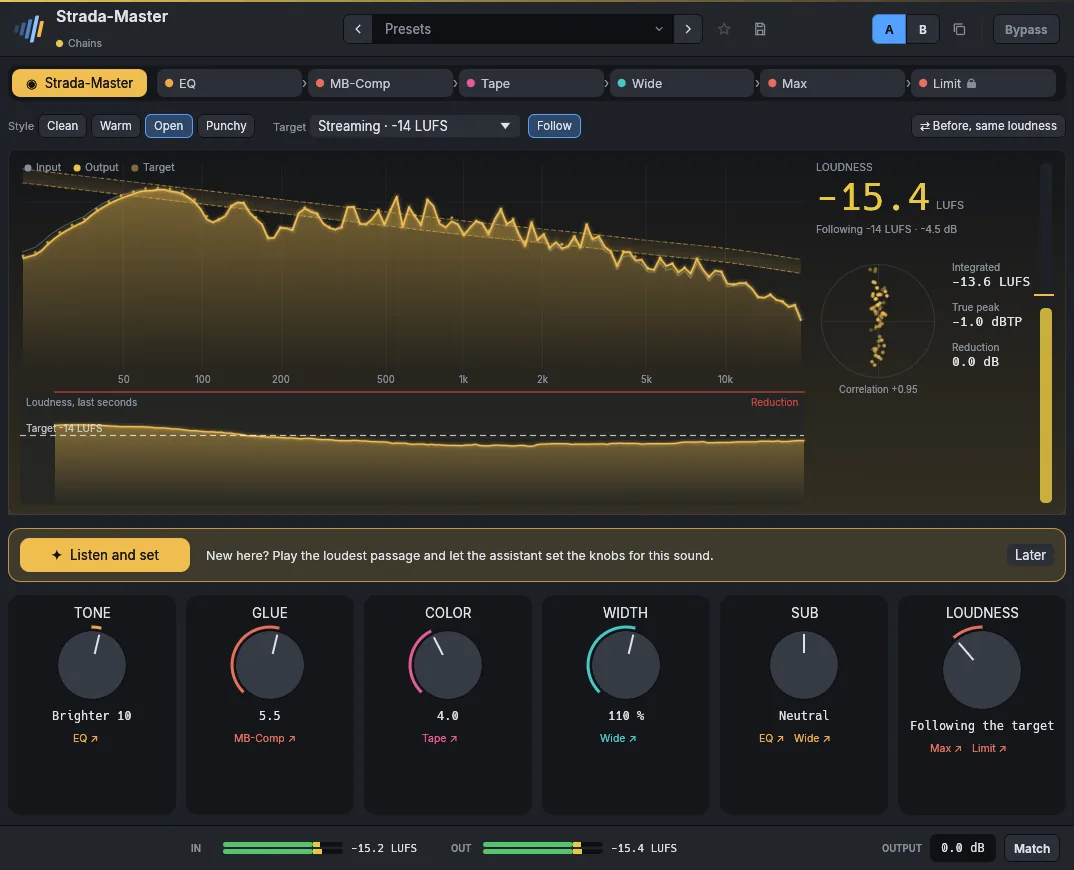
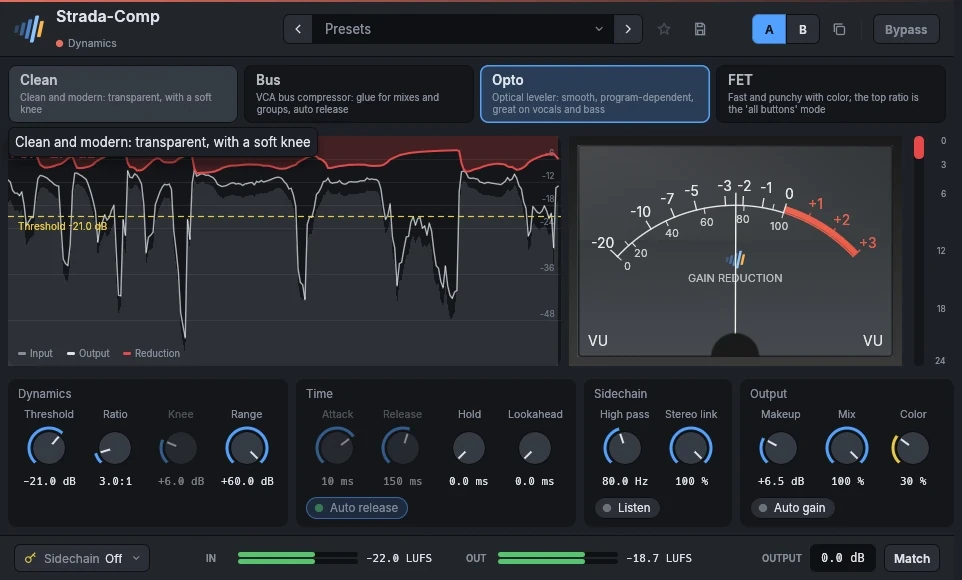
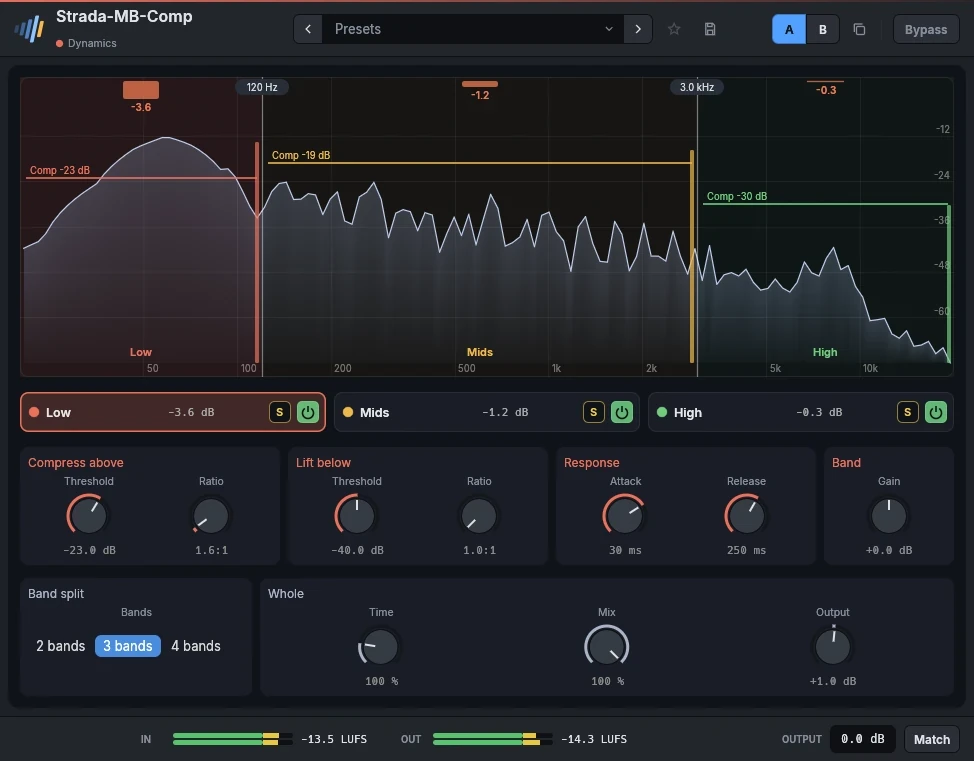
Hear them on your own mixes.
Download the plugins, open your last session, and use them for 15 days. Nothing to sign up for.